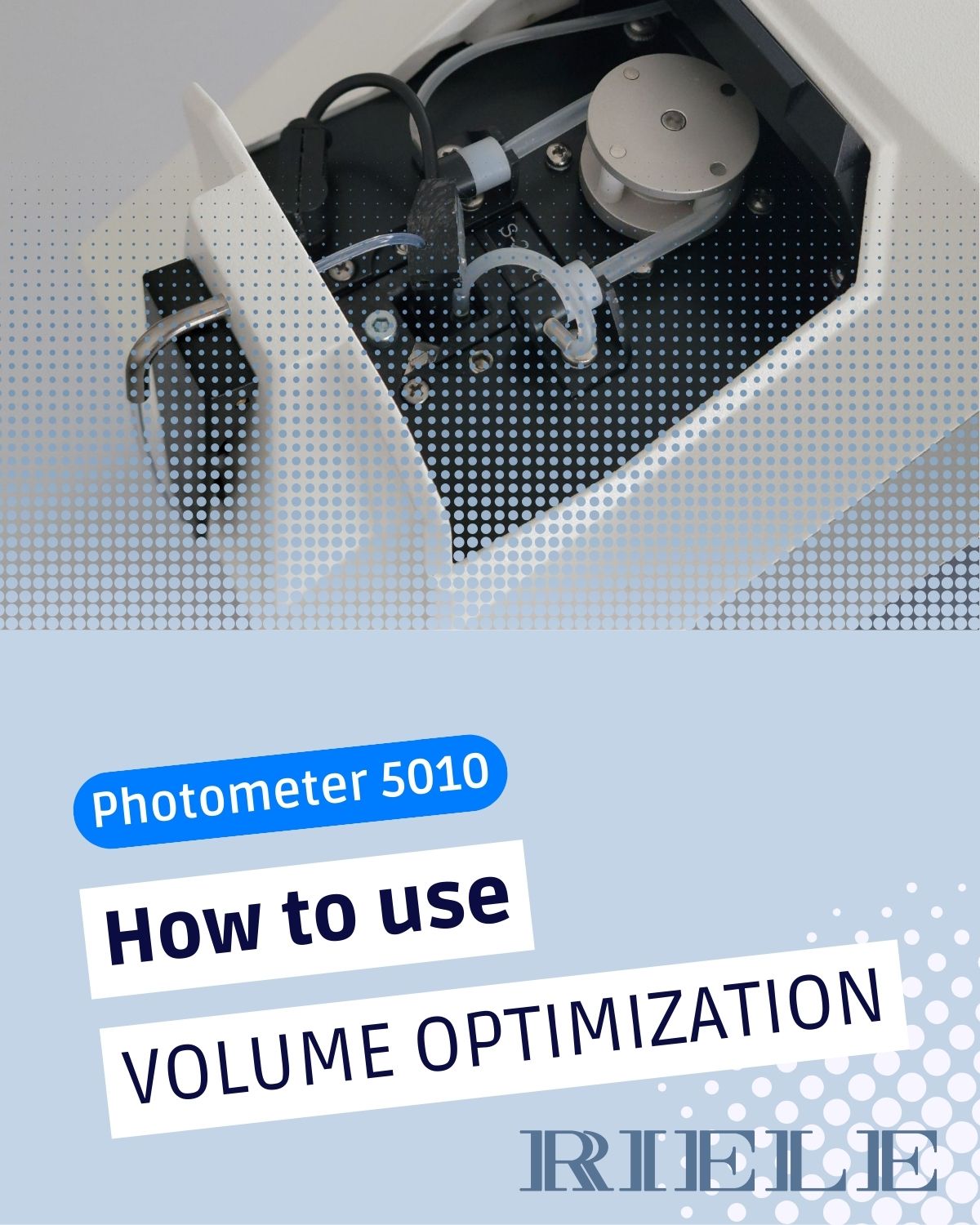

New How-To Guide!
Ever wondered how certain functions in our software really work?
For example how to efficiently handle more than one test in a single vial 🧪 ?
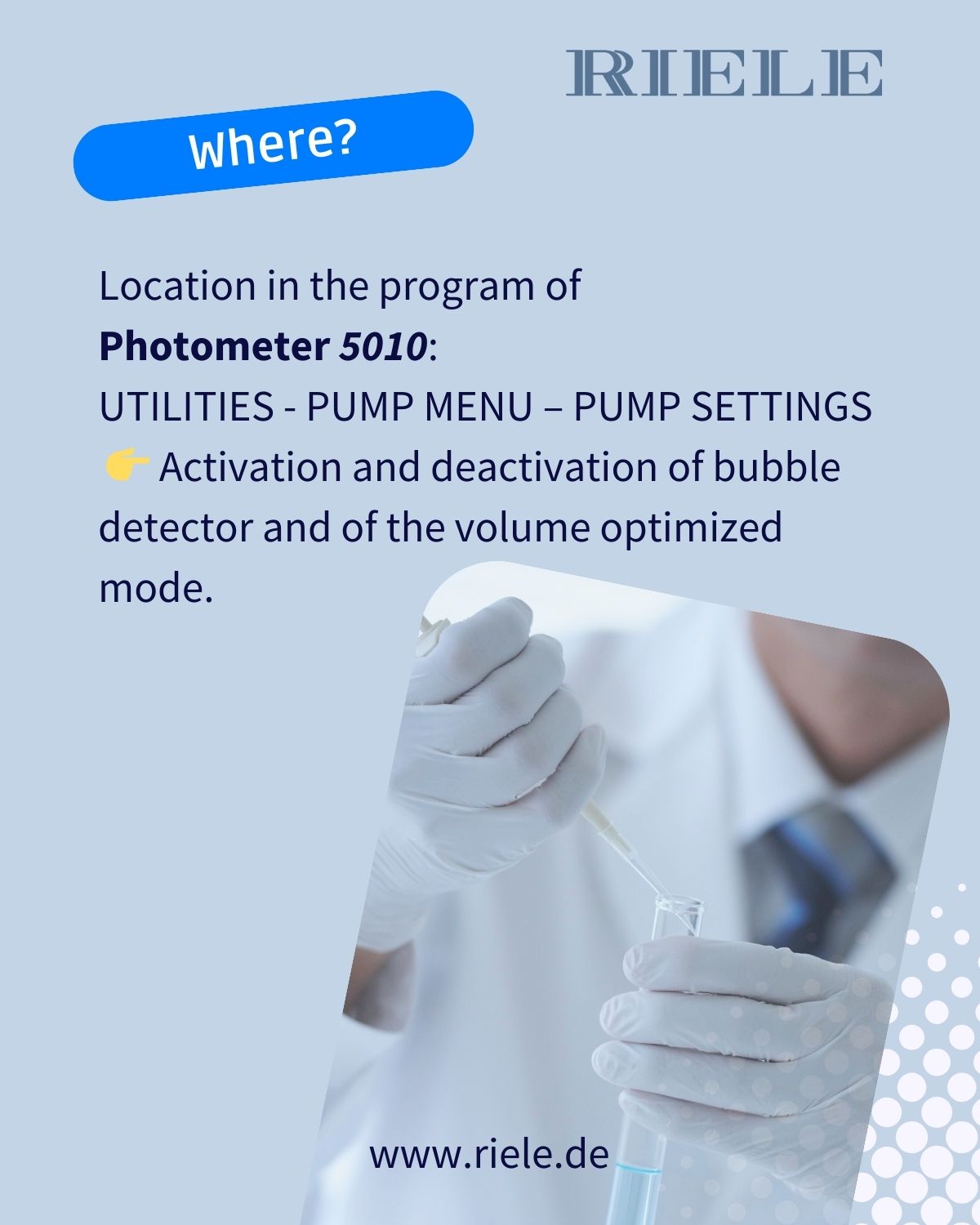
Swipe through our new guide to learn how the Volume Optimization feature in our clinical chemistry analyzer Photometer 5010 helps optimize sample use.
Inside, you’ll learn:
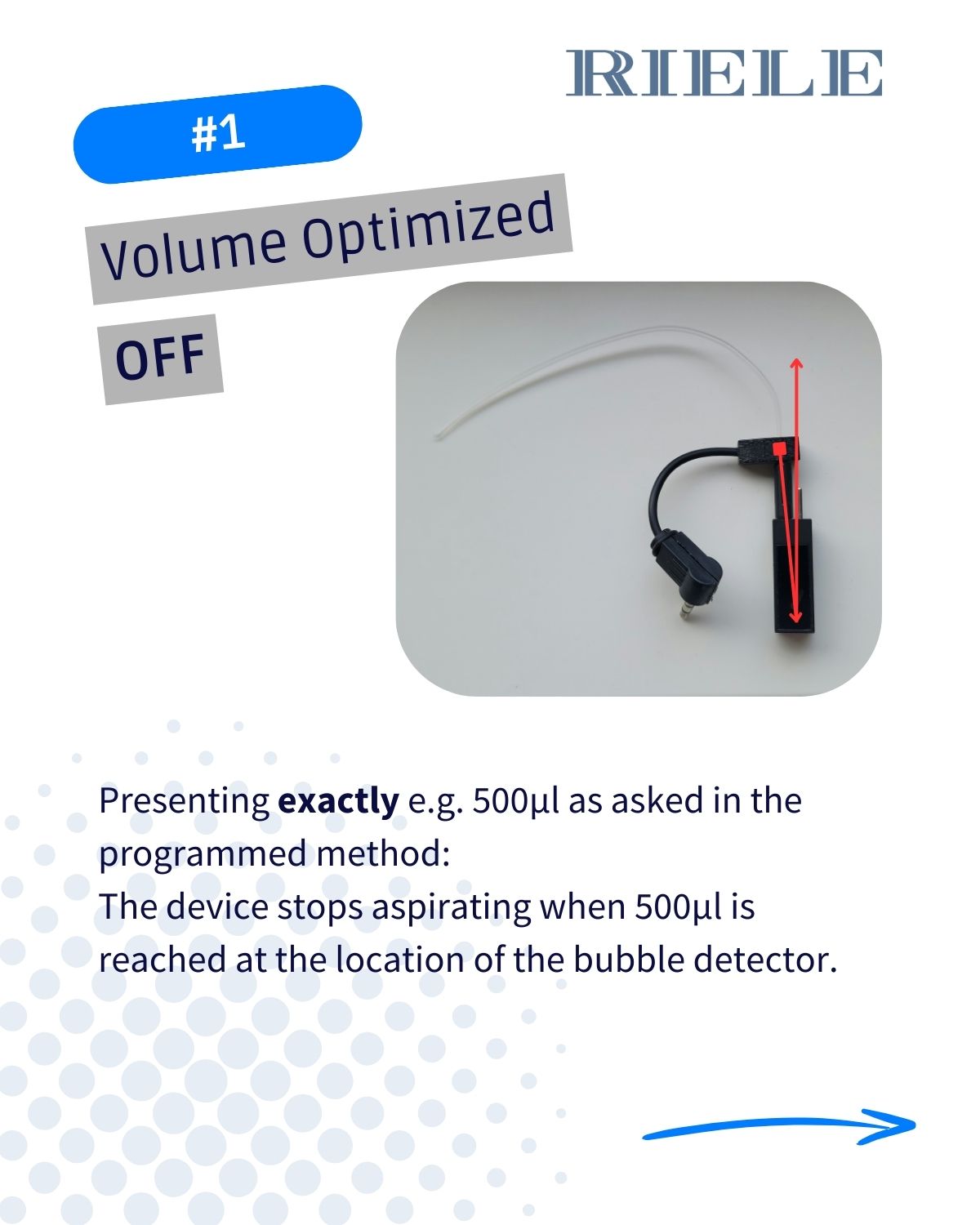
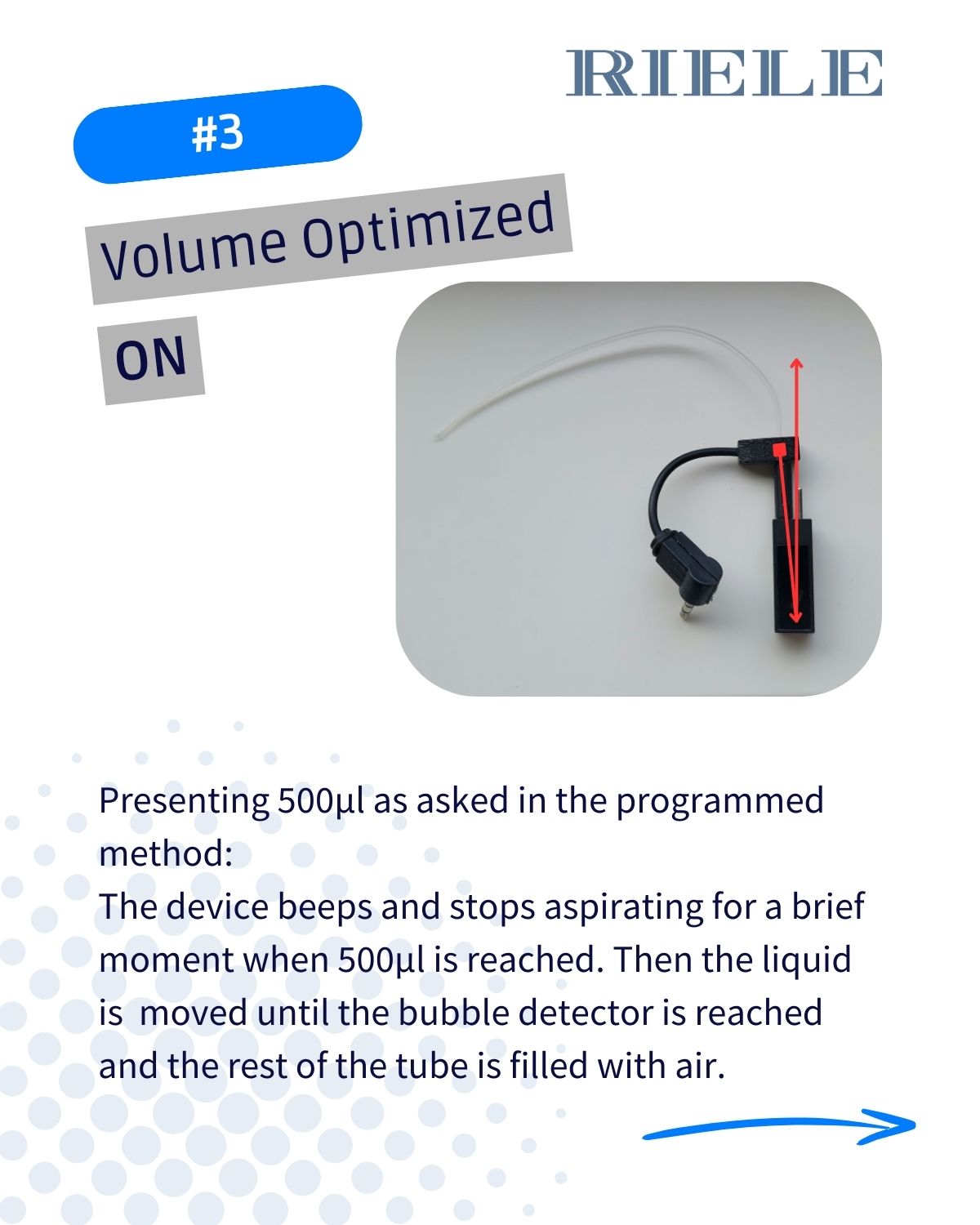
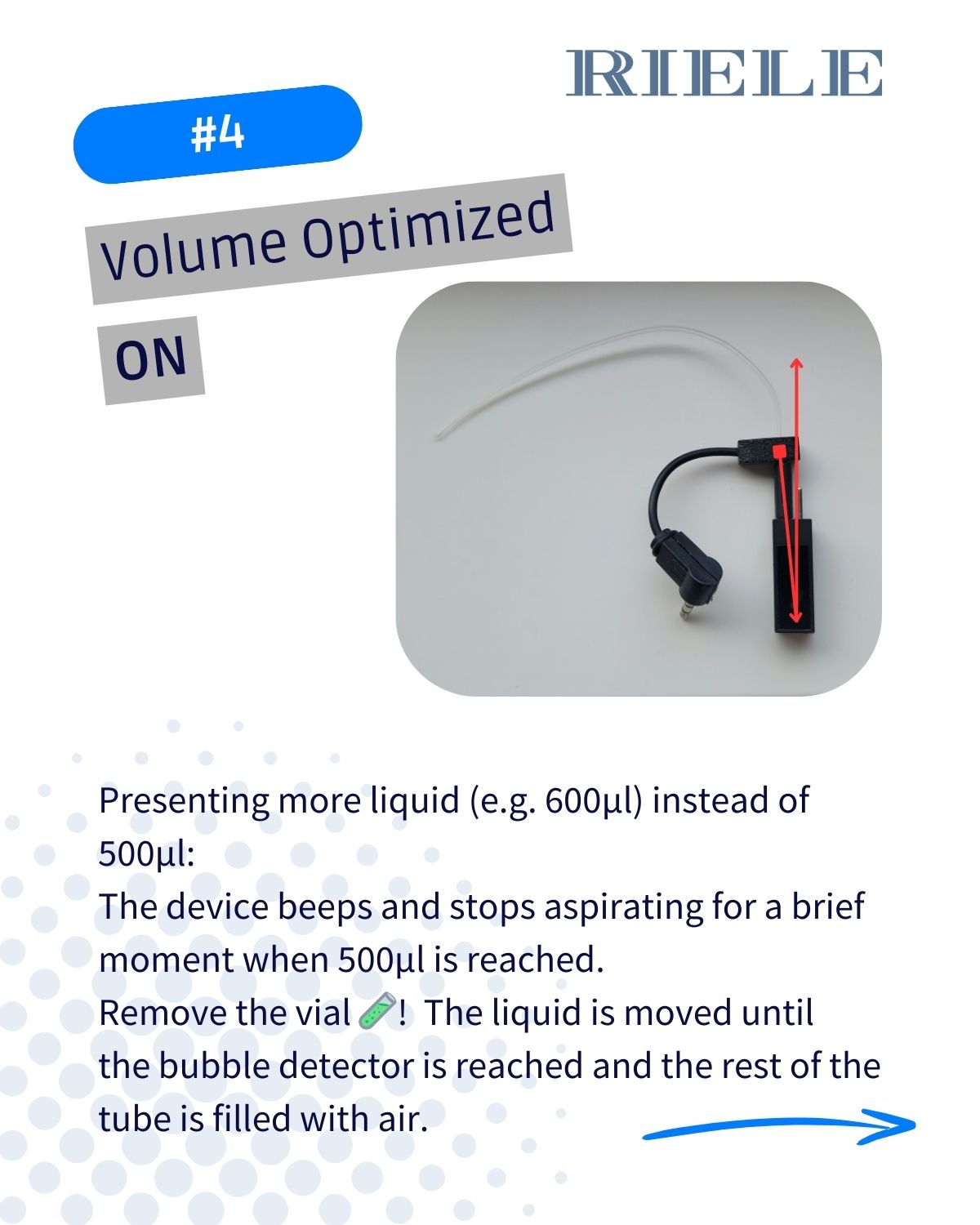
🔍 What happens when Volume Optimized is OFF vs. ON
💧 How the system behaves when you present the exact sample volume
🔄 What changes when you provide more than the required amount
⚙️ How to make the most of this feature for smooth, reliable workflows
💬 Do you have other ideas for guides or features you’d like us to explain next? We’d love to hear your suggestions!